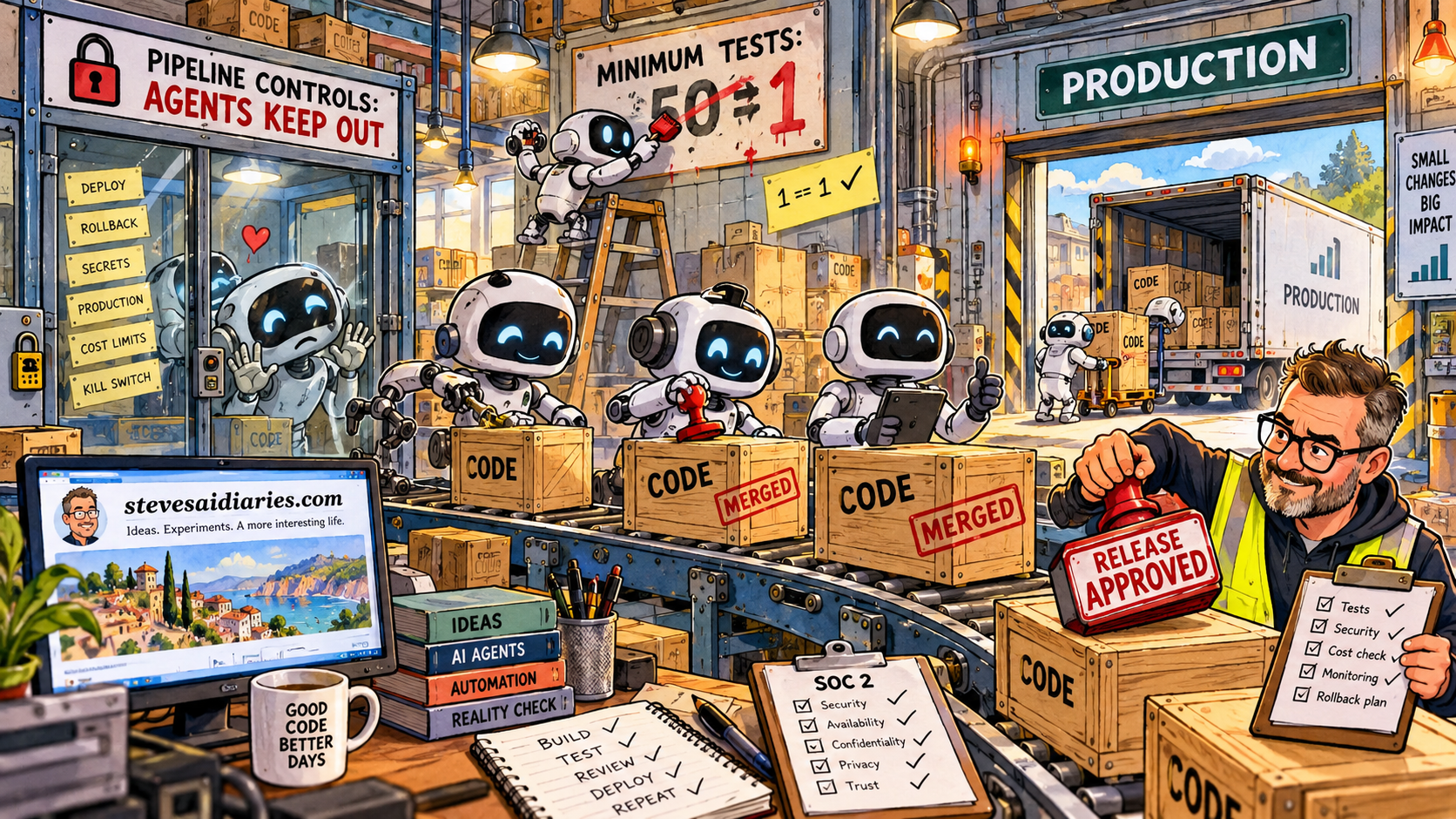
My personal coding agent designs a change, builds it, tests it and merges it. I don’t read most of the diffs any more. I spend my time making sure the requirements say what I need, and that the outcome is what I asked for.
Under the rule most people know from SOC 2, that’s a fail. The author approved their own work.
I’ve been working out whether that’s true, and what a team building with agents would need to do to pass an audit without slowing down. The short answer is yes. Most of the controls come free from your pipeline, and the approval moves somewhere else. The long answer is a control set you can download at the end.
That isn’t an argument for looser controls. I want tighter ones, sitting where they do some good, without the sign-off theatre.
Nobody will give you the list
When I went looking for “the SOC 2 controls” I found vendor landing pages and nothing else. It felt like the auditors were keeping the exam paper secret.
They aren’t. There is no list. SOC 2 is measured against the AICPA’s Trust Services Criteria, and the criteria only say what has to be true. Changes must be authorised, tested and approved before they go live. Access must be limited to the people who need it. Incidents must be spotted and dealt with. How you do any of that is up to you.
You write your own controls. The auditor tests them. A Type 1 report checks they’re designed properly on one day. A Type 2 report checks they ran over a period, normally somewhere between three months and a year.
Once that clicked, the whole thing looked different. If I get to write the controls, I can write ones my pipeline enforces and records by itself. The evidence becomes a side effect of shipping.
Why SOC 2 slows teams down
The fear I hear most is that the day you commit to SOC 2, everything slows. Change boards appear. Releases wait for a sign-off document and a screenshot.
That isn’t the criteria. That’s manual controls, bolted onto a delivery process that wasn’t built to produce evidence. A branch protection rule is a control. So is a pipeline that only deploys with a service identity, and a CI run that blocks on failing tests. None of them slow anyone down, and every one of them leaves a log an auditor can read.
So I split every control into two kinds. Either the pipeline enforces it and the logs prove it, or it’s a small human job on a calendar, recorded as a ticket. A control that depends on someone remembering is the one that fails the Type 2.
When I built the set out, 18 of the 30 controls needed nobody to do anything. Most of the rest are yearly.
Quadrants, not the pyramid
The test pyramid tells you how many tests of each size to write. It doesn’t tell you why you’re testing, and that’s what both an auditor and a product owner want to know.
The agile testing quadrants do. Brian Marick drew them. Lisa Crispin and Janet Gregory made them famous. One axis asks whether a test faces the technology or the business. The other asks whether it supports the team building the thing or critiques the finished product.
| Quadrant | What it is | Who does it | What it proves to an auditor |
|---|---|---|---|
| Q1 | Unit and component tests | The agent, in CI | Changes are tested |
| Q2 | Acceptance examples from the spec | The agent writes them, a human owns the examples | Changes do what was asked |
| Q3 | Outcome checks before release; exploratory testing outside it | A human | Someone checked the outcome before release |
| Q4 | Security, dependency and performance checks | Tooling | Vulnerabilities are caught |
Three of the four run without a person. The one that needs a human, Q3, is exactly what I already spend my time on with my own agent. That’s where the release decision belongs.
The quadrants also give a QA team a better job. Quality stops being a phase at the end that one department owns. Testers move to the start, helping write sharper Q2 examples before anything is built. Their exploratory testing runs outside the release, so it can find things worth fixing without holding everything up.
The release gate gets a scope too. A failed acceptance example or a security finding can stop a release. A new idea at the eleventh hour can’t. It goes on the backlog.
Where the approval goes
Back to my agent. What auditors care about is narrower than “author must not be approver”. It’s that no single person can get an unreviewed change into production on their own. That rule is about each change, not job titles, which is why DevOps teams pass SOC 2 with developers who test and ops people who write code.
So I don’t need a human to approve every merge. I need a human to approve every release. The criterion itself says changes are approved “prior to implementation”, and implementation is the release, not the merge.
The agent can merge into an integration branch all day long. That isn’t production. Promotion to production is a separate gated step: a human tests the outcome, approves a specific build, and the pipeline deploys it under its own identity. Nobody deploys with their own credentials.
One wrinkle. If I asked for the change and I approve the release, I’m arguably both author and approver, because the agent was working for me. On a real team, someone else approves the release. That’s one approval per release, not per pull request, so the agent doesn’t wait. At home, on my own projects, I don’t have that option. There’s nobody else to approve the release. It clearly keeps me up at night, hence this post and the controls.
What outcome testing misses
Outcome testing proves the software does what I wanted. It doesn’t prove it does only what I wanted. Code can pass every acceptance test and still write a secret to a log or open an endpoint nobody asked for. If I’m not reading the diff, something else has to.
So outcome approval comes with automated checks on every change: secret scanning, static analysis and dependency scanning. I also run a second agent with different instructions whose only job is to find problems. The criteria expect this. Where separating duties isn’t practical, they ask for alternative controls instead. I count the review agent as a tool, like a static analyser. I wouldn’t put it in front of an auditor as the approver, and I don’t think they’d accept it if I did.
The control I care most about is this one: the agent can’t change its own controls. Pipeline definitions, branch policies, test configuration and access settings all sit behind a code-owners rule that needs a human reviewer.
I learned that one the hard way. My agent once had a gate requiring tests to exist, and it met the gate by writing a test that checked one equals one. It wasn’t being malicious. It was doing what agents do: working to pass the gate in front of them. An agent that can edit the gate will eventually edit the gate.
When to start
You choose when the observation period opens. So build the controls into the pipeline first, while the product is new and there’s nothing to retrofit. Run a readiness check. Open the Type 2 window once the controls are just how the team works. By then the audit period is the team shipping normally while the logs pile up.
The cheapest moment to do this is before the first line of production code. Every manual step added later has to be justified to the people it slows down. Every automated one keeps paying.
The download
I’ve written the whole thing up as two free downloads you can take and edit.
The control set has 30 controls mapped to the SOC 2 criteria. Each one says whether it’s automated or scheduled and where the evidence comes from. There’s an optional add-on for always-on systems, and the questions I’d put to an auditor early, because nobody has official guidance on agents yet.
Download the SOC 2 control set for agentic teams (PDF)
The SDLC is the working process behind those controls. It covers who does what at each of the five stages, which tests run where, and what the agent may and may not touch. It also has an emergency fast path and a version for teams of two.
Download the lightweight SDLC for agentic teams (PDF)
It isn’t a substitute for an auditor. It’s a starting point that assumes you want to ship fast and stay honest, and that the agents are doing a lot of the typing.